
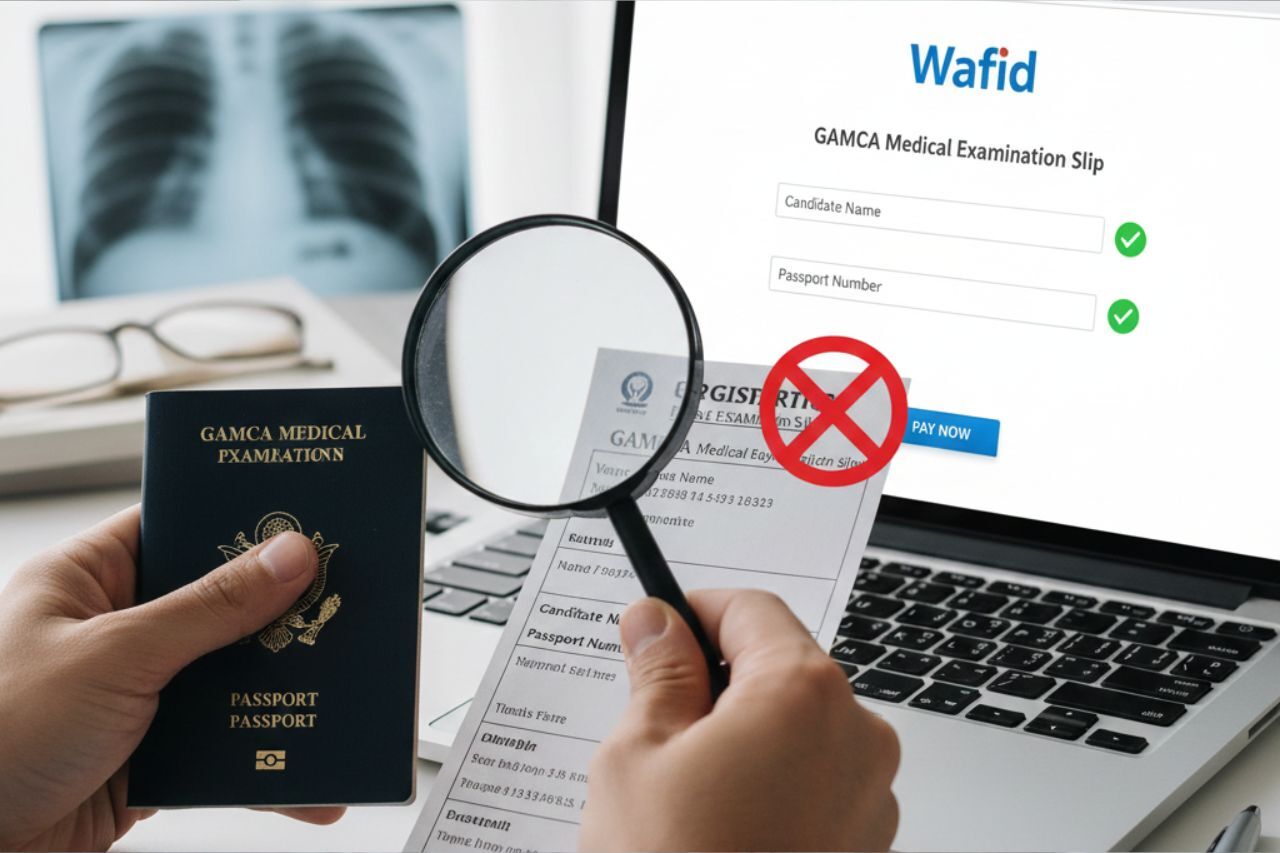
When registering with the GAMCA (GCC Approved Medical Centers Association), mistakes in your name or passport information might cause major problems, such as missed appointments, rejection at the medical facility, or even problems with the processing of your visa. It is crucial to make sure that every detail matches your passport precisely because GCC countries want accurate and confirmed information. There are certain actions you can take to promptly and accurately fix any errors you find after completing your GAMCA registration.
Why Accurate Details Matter in GAMCA Registration
Your passport and identity documents are directly connected
to your GAMCA medical slips. The medical fitness report will
be shared with GCC immigration authorities, thus, this
information must match that on your passport. Mismatches in
the system might result from minor spelling mistakes,
inaccurate passport numbers, missing middle names, or
incorrect dates of birth. These differences could make it
impossible for you to take the medical test or cause your
fitness assessment to be delayed.
Identifying Common Errors in GAMCA Registration
Typing typos, auto-fill problems, or negligence during form
submission can result in name and passport-related errors.
Typical mistakes include misspelled names, improper name
sequencing, erroneous passport numbers or expiration dates,
out-of-date passport information, or unintentionally leaving
out middle or family names. Early detection of these
mistakes helps the medical center avoid needless problems.
How to Correct Errors Before Paying the GAMCA Fee
If you notice the mistake before submitting your payment,
the correction process is simple. You can return to the
registration page, edit the incorrect fields, and submit the
form again. Without a paid fee, the system allows free
correction without additional steps. Always double-check
your passport while entering each detail to avoid repeated
errors.
How to Correct Errors After GAMCA Slip is Generated
Once the payment is completed and the GAMCA medical slip is
generated, you cannot edit the details directly from your
account. In this case, you must request a correction through
GAMCA support. This involves submitting a formal request
along with your passport copy and the incorrect medical
slip. Gamca verifies the information and updates the details
if the error is genuine and supported by valid documents.
Contacting GAMCA Support for Corrections
Gamca assists applicants in resolving registration-related
errors. To correct name or passport mistakes, you can
contact their support team through the official Gamca
website. Provide a clear explanation of the error, attach
the required documents, and request a correction. Their team
typically responds within a reasonable timeframe, depending
on the volume of queries. Ensuring that all attachments are
clear and readable speeds up the correction process.
Required Documents for Making Corrections
When submitting a correction request, you must include
certain documents to validate your claim. These generally
include a scanned copy of your passport’s bio-data page, a
copy of the GAMCA medical slip showing the incorrect
details, and any additional identification if needed.
Providing accurate and complete documentation ensures your
request is processed without unnecessary delays.
What Happens After the Correction Request is Approved?
Once Gamca approves your correction request, the revised
details will be updated in their system. You will receive a
corrected GAMCA medical slip that reflects the accurate name
or passport information. Only after receiving the corrected
slip should you proceed to your assigned medical center for
the examination. The medical center will not accept slips
with mismatched or incorrect details.
Tips to Avoid Future Errors in GAMCA Registration
Preventing mistakes is always better than correcting them
later. Always type your details directly from your passport
without relying on memory. Double-check spellings, passport
numbers, and expiry dates. Avoid using mobile devices for
registration, as smaller screens increase the risk of typing
errors. Ensure your passport is valid for at least six
months before registration to avoid complications.
Conclusion
It is possible to fix name or passport problems in GAMCA
registration, but it takes time and the right paperwork.
Gamca offers an organized procedure for completing the
required repairs, regardless of whether the error is
discovered before or after the creation of the medical slip.
Applicants can prevent delays and guarantee a seamless
medical and visa process for GCC nations by guaranteeing
accuracy and closely examining every data during
registration.